Schedule, swap, and stay aligned with t24
t24 helps emergency teams manage schedules, availability, and swap requests in one shared workflow.


Built for
real shift operations
Track schedules, manage availability, and resolve swap requests with one workflow across your entire team.
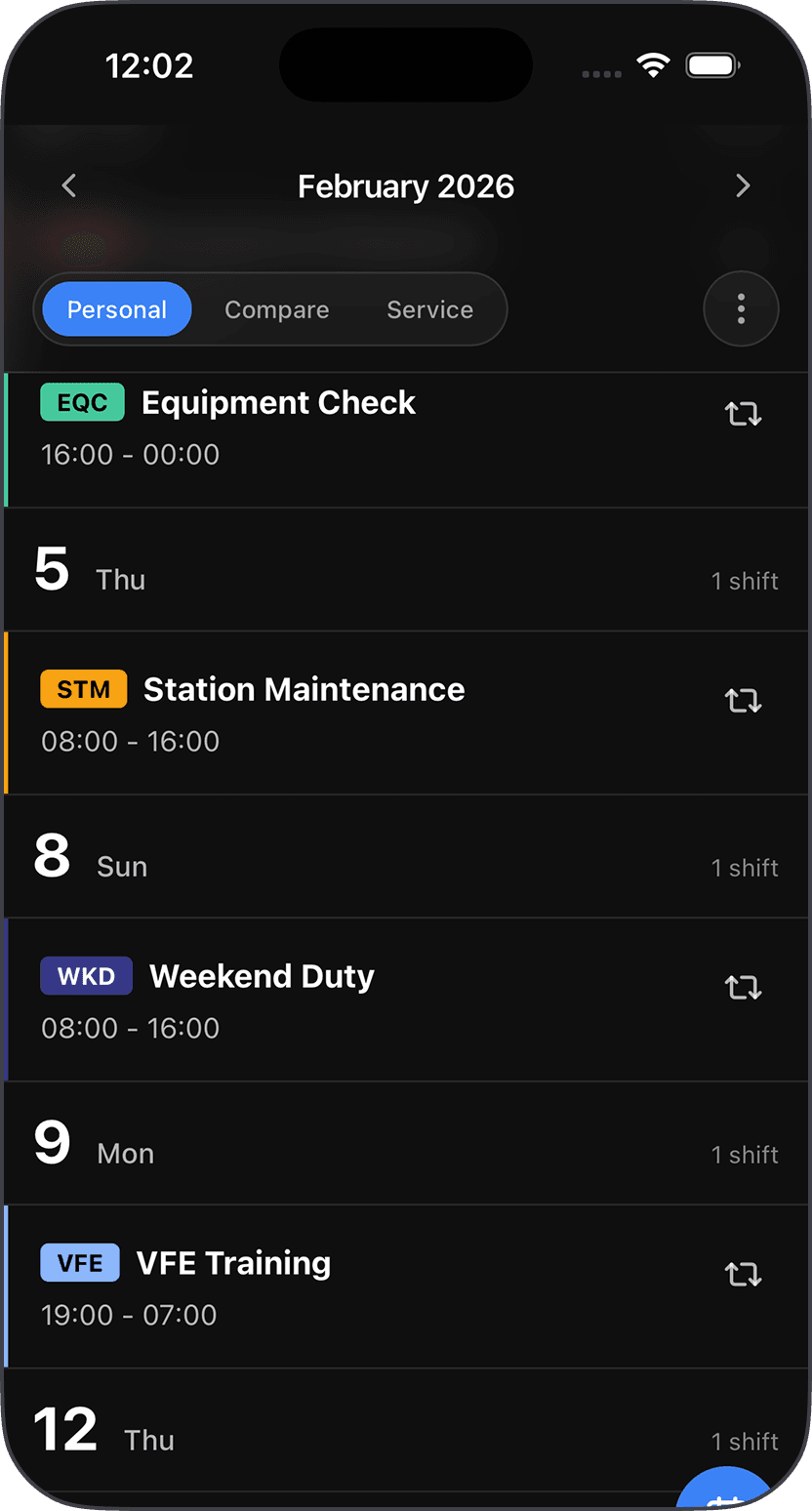
See your schedule at a glance
Always know when you're working next. View your upcoming shifts, swap shifts with colleagues, and request time off-all in one place.
Process swaps faster
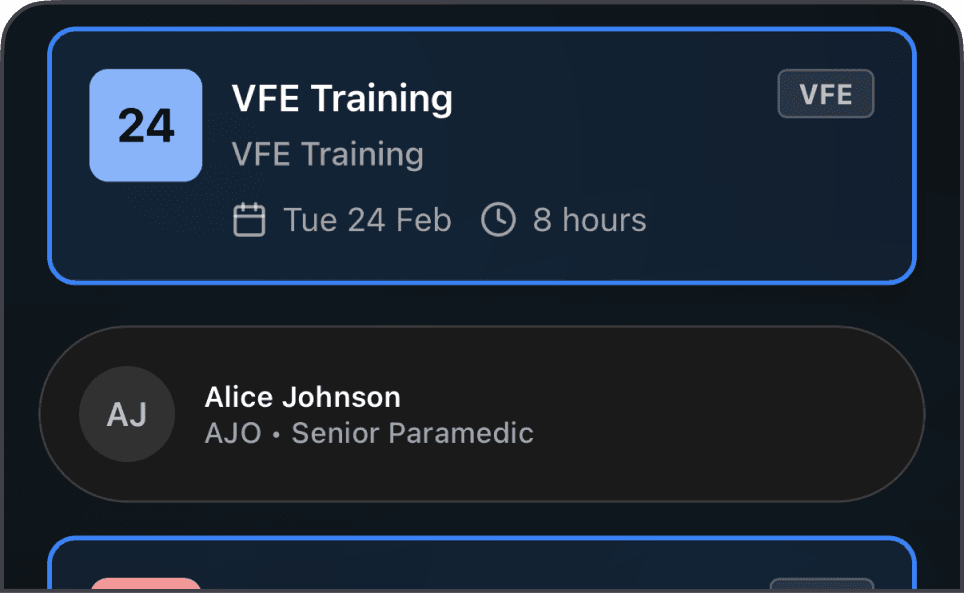
Review and confirm shift swaps in a single flow.
Be quicker
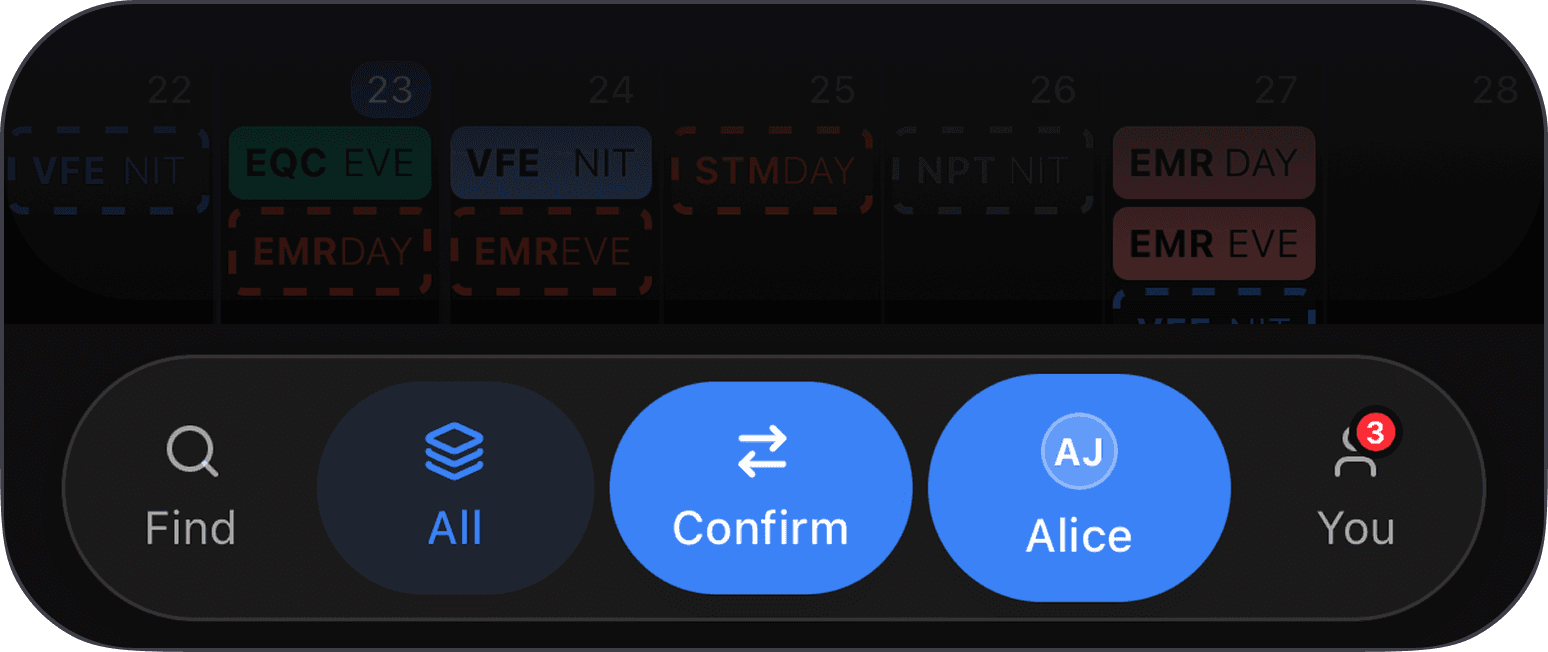
Use the normally static navigation to quickly use actions on the current page.
Set your availability
Let managers know when you're available to work.
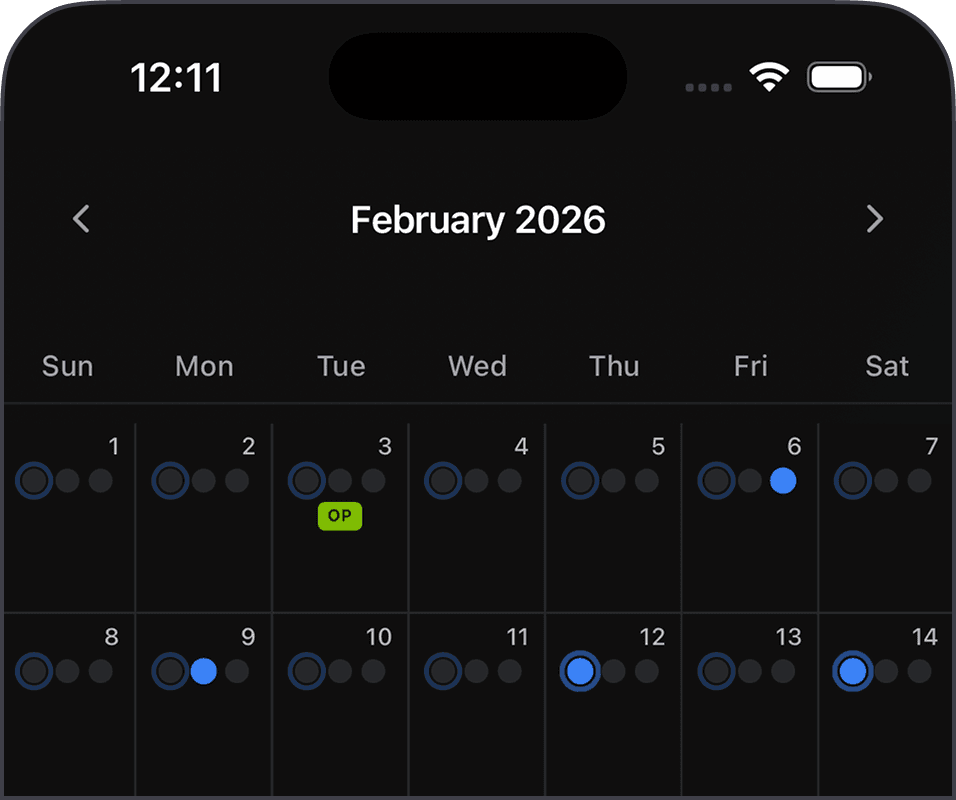
Shared shift calendar
See upcoming assignments without switching tools.
Faster response time
Handle change requests in minutes instead of long chat threads.
Less shift chaos
Spot gaps early and keep duty coverage stable.
Lower admin overhead
Reduce manual back-and-forth around every schedule update.
Works everywhere
Open t24 on any device and stay synced with the team.
One source of truth
Availability, swaps, and schedules in one reliable place.
Keep every shift handoff under control
Dispatch leads get one live view for absences, swap requests, and approvals.
Availability synced
100%
Requests and approvals update the roster instantly.
Notifications inbox
Live
See open and resolved updates directly on your dashboard.
Policy coverage
24/7
Approval rules are enforced for every station and shift.
Daily flow
Crew member reports an absence
Open shifts are highlighted for dispatch leads
Eligible teammates receive swap requests
Approved changes are published to the full team
Next step
Configure this flow for your team
Share your station setup and t24 can map your current process into one repeatable workflow.
Start with t24Operational details that matter
t24 is designed for day-to-day roster management where timing and clarity are critical.
Fast request processing
Absence and swap updates are reviewed and resolved in one place.
Clear audit trail
Track who requested, approved, or declined each scheduling change.
Team-first planning
Everyone sees the same shift state with fewer misunderstandings.
Mobile-friendly workflow
Check notifications and schedule updates quickly while on the move.
One connected app
Schedule, availability, and swaps live together in t24.
Trusted by shift teams
t24 is built around real scheduling pain points from operational teams and emergency services.
Built for 24/7 coordination
/7
Always-visible planning status
%
Shared source of truth for your team
+
Years supporting teams
Plans
Choose the setup that matches your team size and rollout stage.